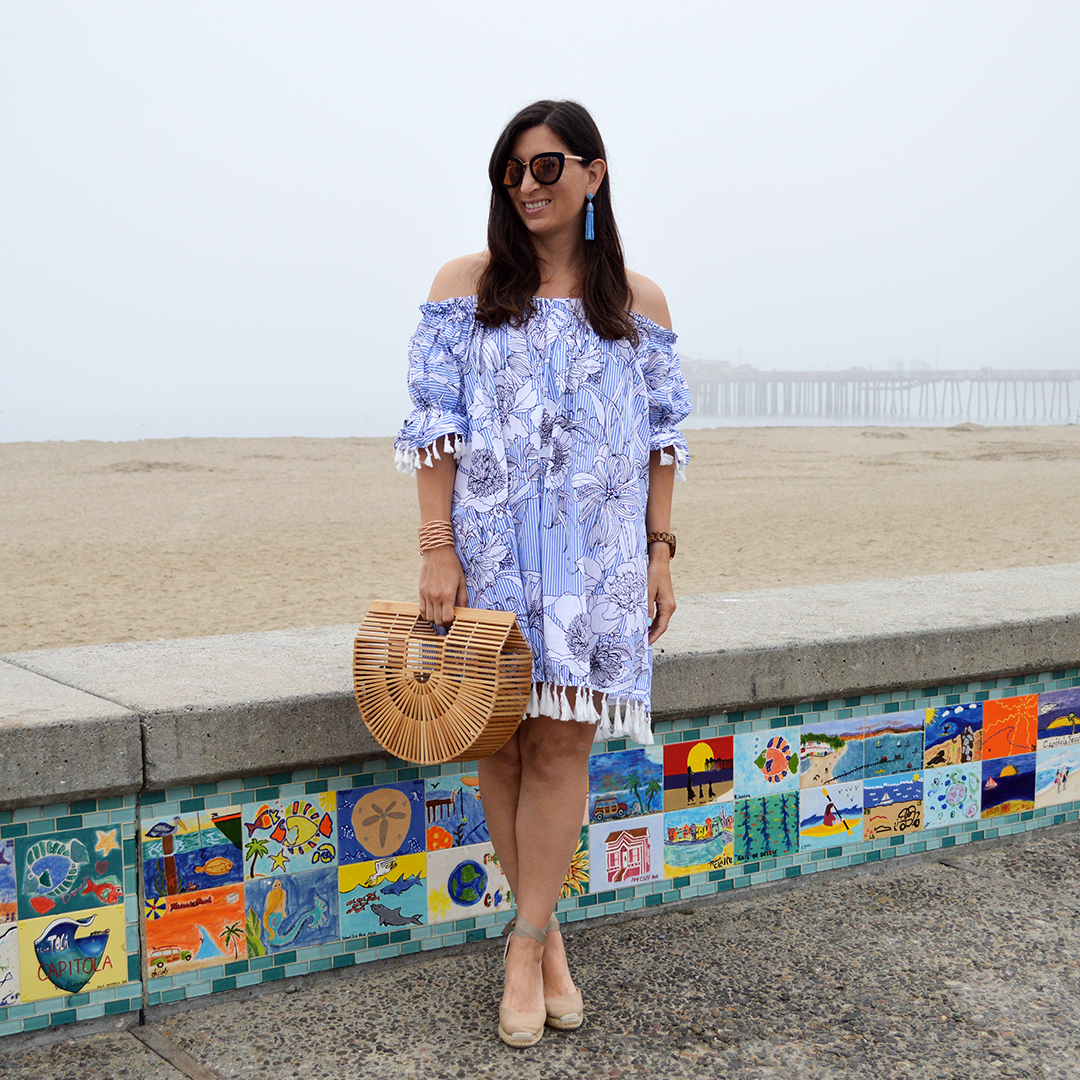
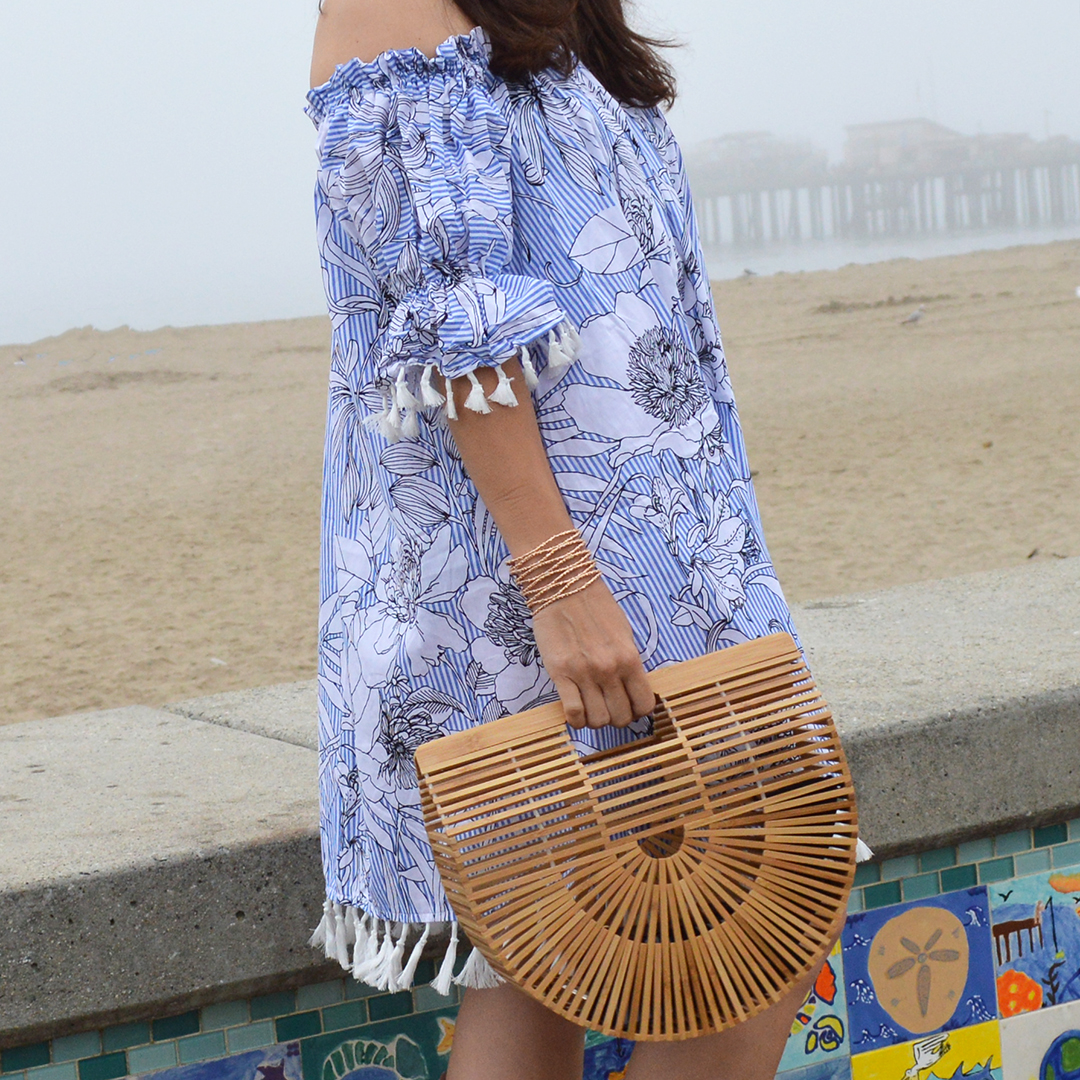
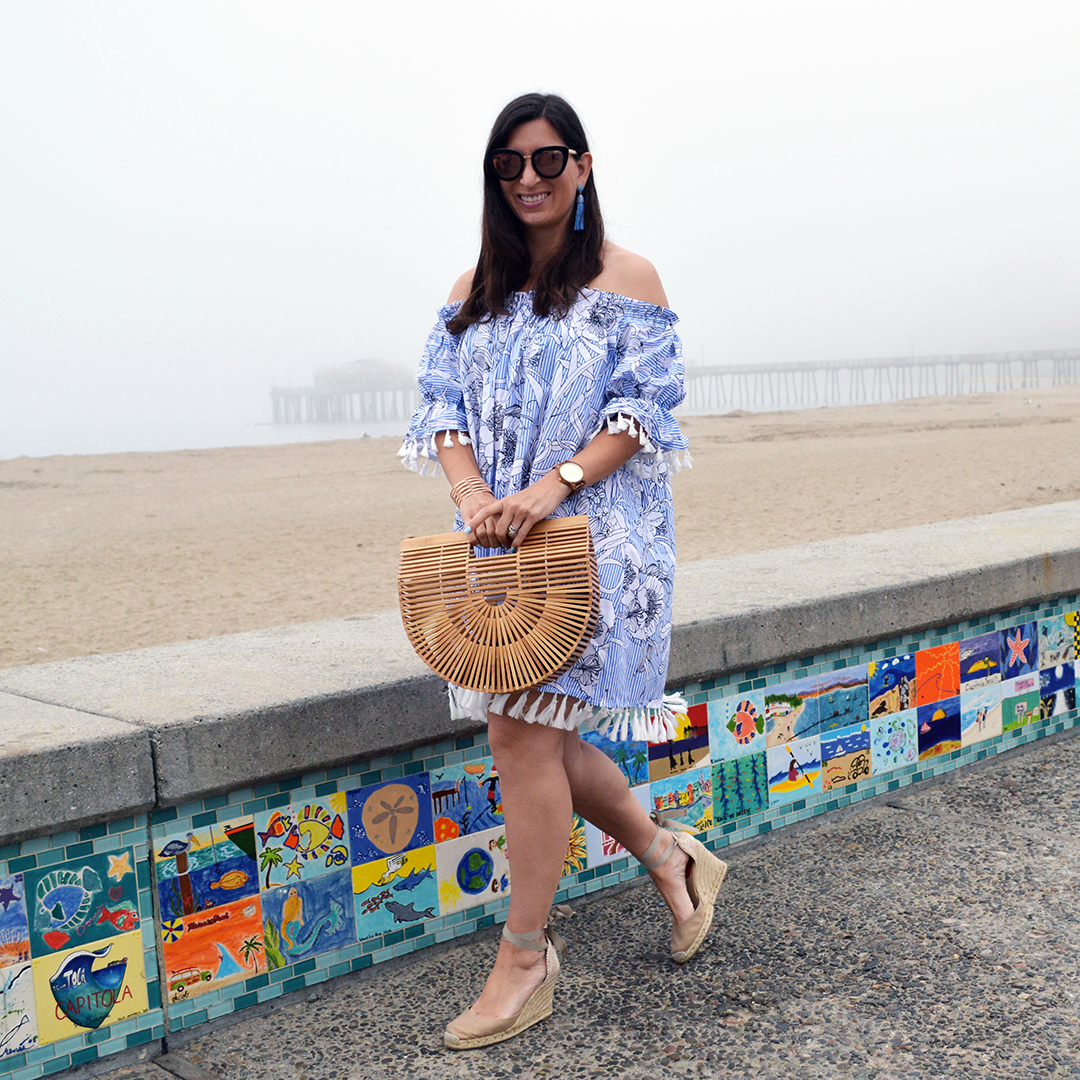
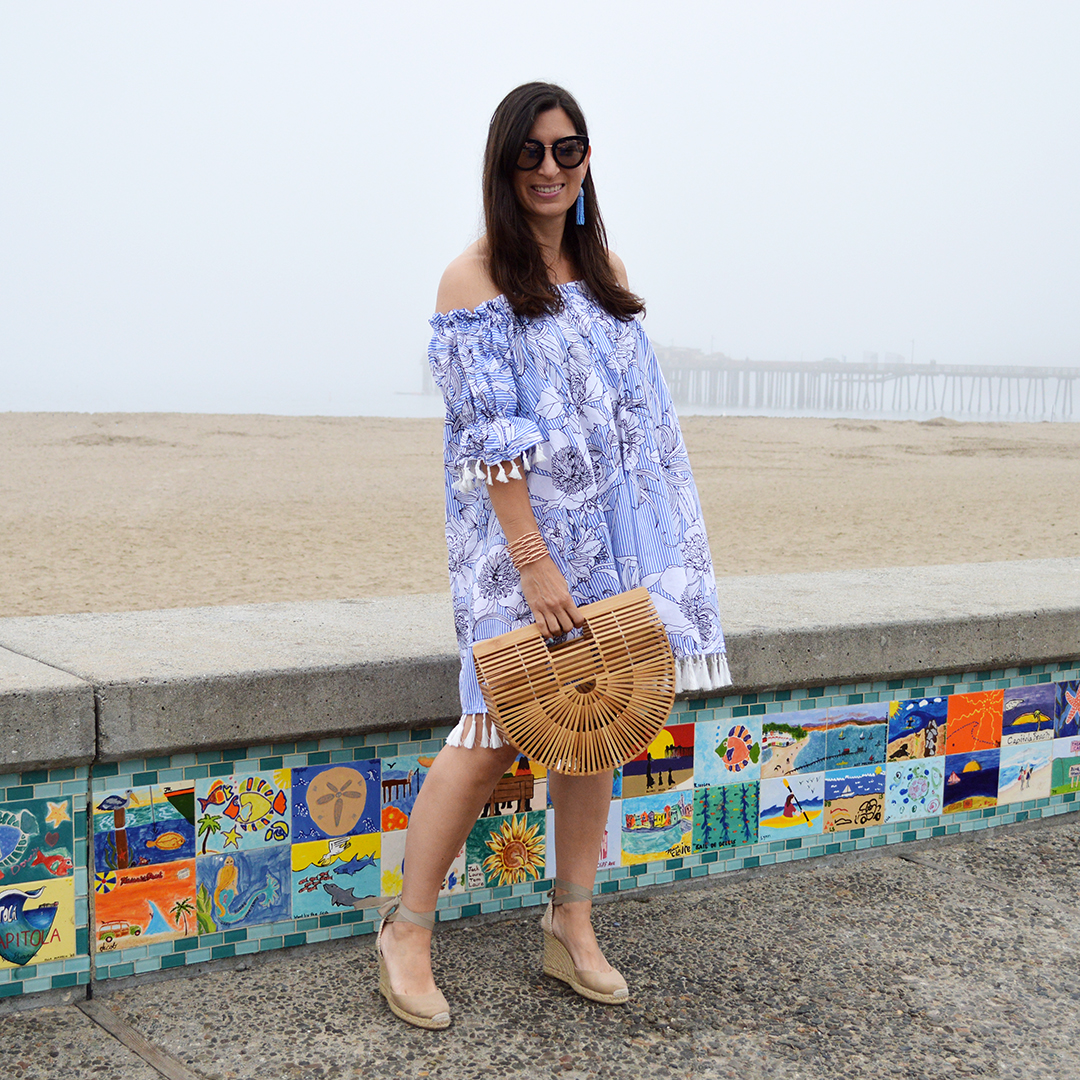
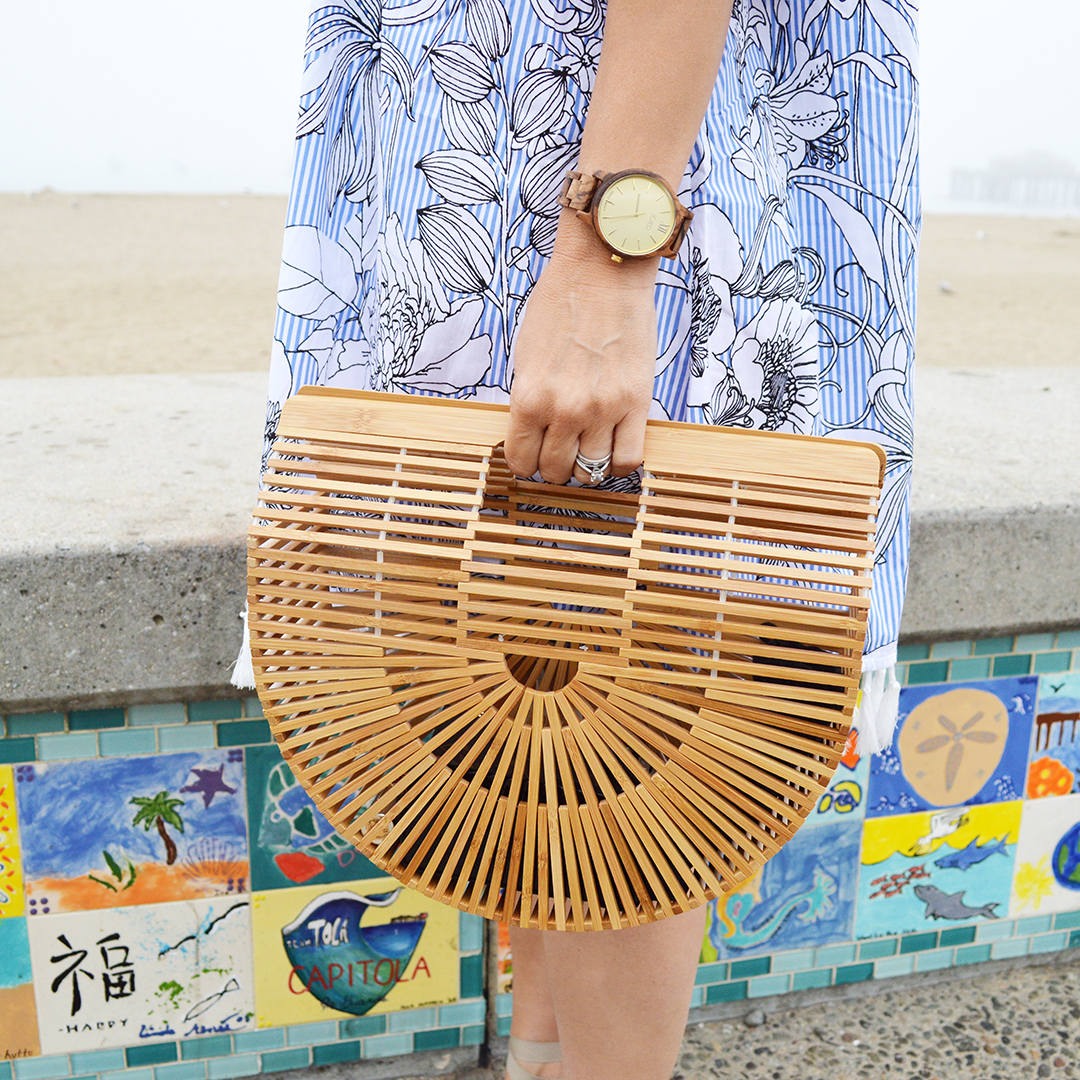
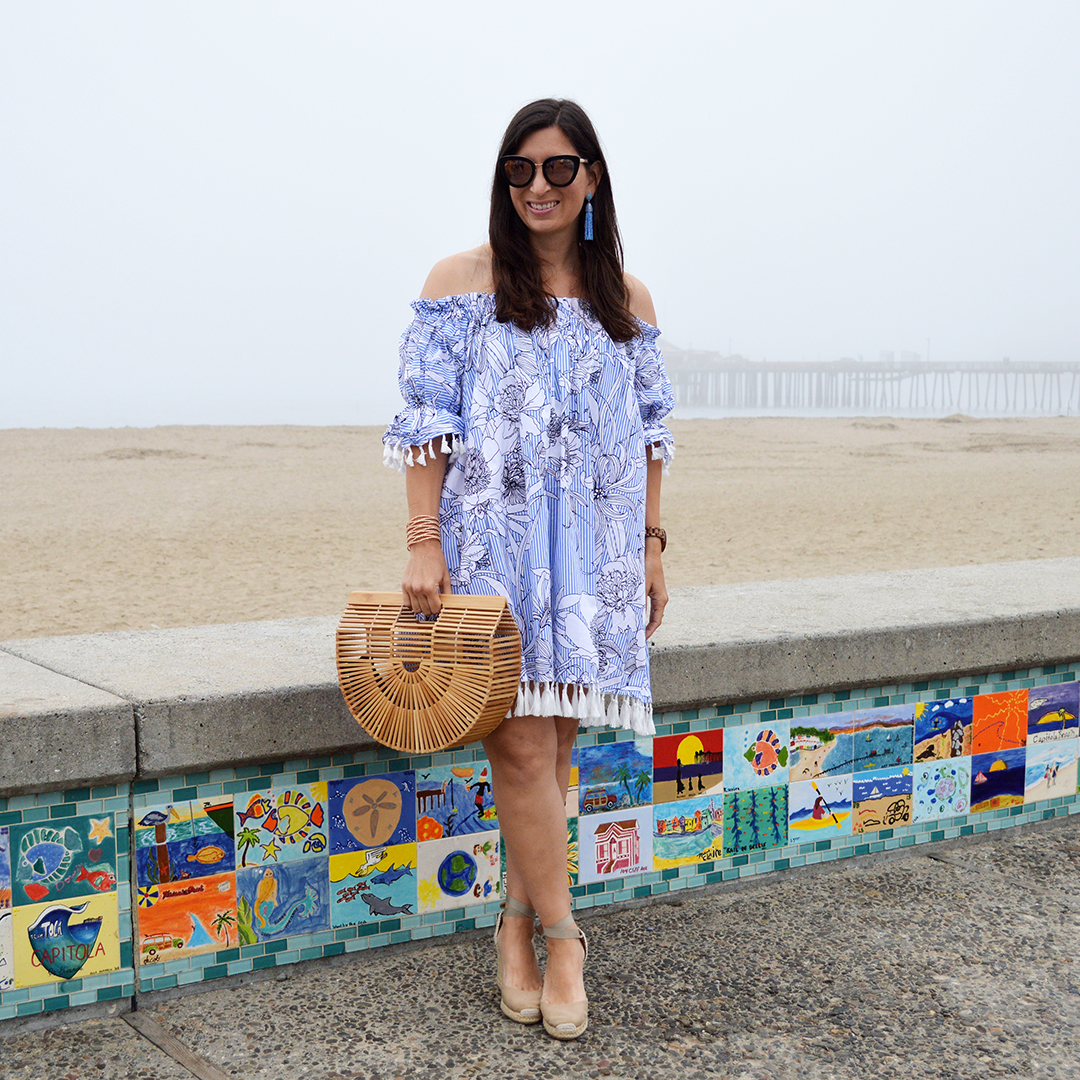
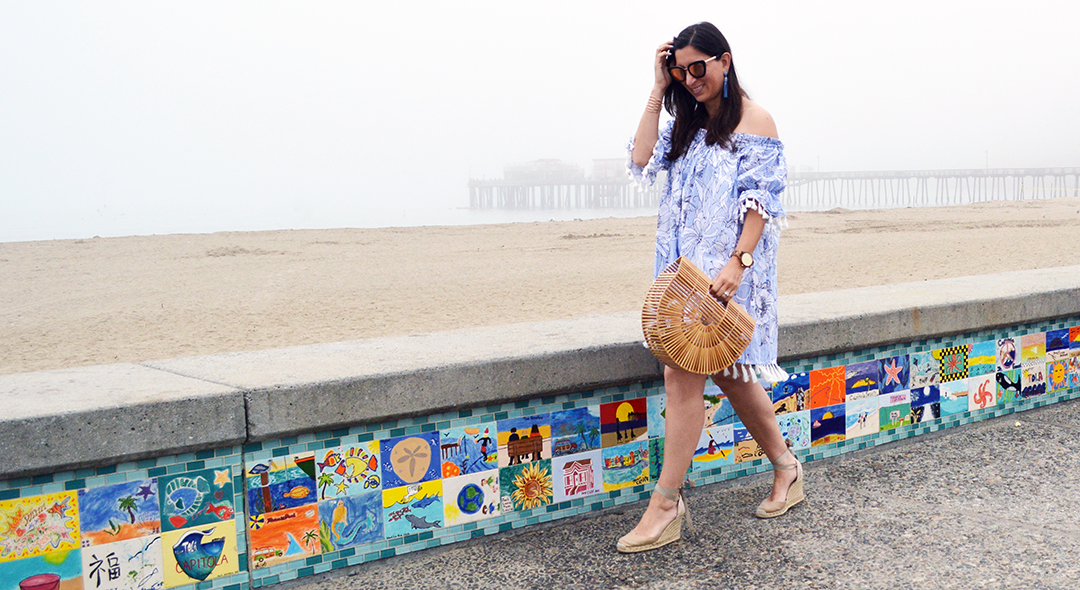
How breezy and fun is this white dress! This isn’t something I would normally reach for when I am shopping for a summer dress, but now that I have it, I love it! Let me tell you the backstory on how this flowing white dress ended up in my wardrobe. . .
If you read my posts last week, you might know that my original outfit for the “Escape to Tulum” welcome party at the rewardStyle conference did not work out as planned. The outfit I wore instead was what I had planned for the last day of the conference. On the last day, there was a Garden Party theme, and my outfit had been planned accordingly. Since I already wore the Garden Party outfit to the pool party, and this was a conference filled with fashion bloggers, I couldn’t really wear it again. So, this meant I needed to buy something! The horror!
Luckily there was a shop in the building across from our hotel, so Alison from Wardrobe Oxygen went over with me to find something quickly for the last day of the conference. I did have an extra skirt in my suitcase, so I thought I would find a cute black, navy, or white top to match it. I couldn’t find anything basic, or easy to pair with a skirt. We scoured the store. Normally when I shop, I can find something quickly, but just my luck, nothing was basic at all!!
Alison eventually found some racks in the back, so we flipped through them, and voila! There was this white dress! I have always admired Apiece Apart from afar, but never actually purchased something from them. So, I was excited to acquire my first piece from their collection. Yay!
This dress flowed, and was nice and breezy. If it had been a warm day, it would have perfect. Unfortunately the weather was in the 40’s with a cold, icy wind tearing through the area. I was a little bit cold, but it is OK. I know I will get a lot of wear out of this dress as the temperatures rise; after all, summer is on it’s way! Love that!
Have you ever had to shop last minute while on vacation? How did it turn out?
How to use the LIKEtoKNOW.it app to shop screenshots and likes on Instagram and across social media sites, such as Facebook, Twitter, and Pinterest, might be a question you have asked yourself several times since the new app came out in March. Or, you might be looking at this post and asking your laptop, “what in the world is she talking about?” If you are on Instagram, you have probably noticed the hashtag #liketoknowit on many photos posted by bloggers. You might be ignoring the hashtag, or you may have already been using LIKEtoKNOW.it by liking pictures on Instagram, and then receiving an email with all of your likes which you can shop from your mobile device or desktop; but now screenshots have entered the picture. If you are not on Instagram, you might be confused by this entire post. That’s OK, if you are curious to find out what in the world I am blabbing about, read on.
I was fortunate enough to have one of my LIKEtoKNOW.it enabled pictures re-gramed last week, which meant a lot of new eyes were on my photo by people who normally don’t see me on Instagram. With this influx of new people, brought a large amount of questions. I received several DM’s and a few emails asking me how to use the LIKEtoKNOW.it app to shop screenshots and likes on Instagram because they loved my top in the picture, and wanted to buy it. I was thrilled to have so many people like my top, at the same time, I realized there are a lot of people out there who are wondering how to use the LIKEtoKNOW.it app to shop screenshots and likes on Instagram. So, here is my tutorial! Don’t worry, it sounds complicated, but it is actually really easy to shop your screenshots and likes on Instagram! Love that!
The first thing you need to do is download the LIKEtoKNOW.it app from the app store. You can find the app right here. Once you have downloaded the app, create an account, or login to your existing LIKEtoKNOW.it account. Once you have done that, take a good look at the picture below of the green dress (which happens to be on major sale here) and continue reading.
This photo has been LIKEtoKNOW.it enabled. This means you can like it on Instagram, or screenshot it anywhere on the web and receive all of the links to shop this look in your app and/or via email. How can you tell if a photo is LIKEtoKNOW.it enabled? Well, take a good look at this picture. In the bottom right-hand corner there is a white heart with a circle around it. This is the LIKEtoKNOW.it symbol which tells you it is a picture which you can screenshot to shop. This symbol will appear on photos throughout Instagram and across other social media channels signalling that the photo is shoppable if you take a screenshot and have the LIKEtoKNOW.it app on your mobile device.
The symbol will appear in two colors; black or white. Normally on a dark corner, you will see the white symbol and on a light corner you will see the black symbol. You can see the black symbol in the photo below.
It is up to the blogger or influencer whether to use the black or white symbol on a photo, so always check the bottom right-hand corner to see if it is there. While these photos appear frequently on Instagram, they can also be shared on other social media platforms. I always share mine on Facebook too, so if you don’t follow me on Instagram, only Facebook, you can screenshot my photos, and other LIKEtoKNOW.it enabled photos, via Facebook, Twitter, Pinterest, Tumblr, and anywhere you see the symbol! You can even shop this blog post by taking a screenshot of the above photo, or the photo with the green dress. Love that!
Now that you know how to identify a photo which is LIKEtoKNOW.it enabled, you might be asking yourself, but how do I shop my screenshots with the LIKEtoKNOW.it app? You can either like the photo on Instagram or take a screenshot of the photo on Instagram, Facebook, or anywhere around the web you find a LIKEtoKNOW.it enabled picture. This will generate an email and place the photo in your LIKEtoKNOW.it app where you can access it. This is great if you are scrolling through Instagram, or the web, and taking screenshots of several photos. Instead of stopping to take action on every photo, you can screenshot them and then access them when you are done web surfing and start shopping, or save them for later when you decide what you would like to buy, or perhaps wait for your paycheck so you can shop.
Once you have the LIKEtoKNOW.it app, you can shop anywhere you see the symbol in the right-hand corner. In addition, the app acts like a visual social media app where you can search hashtags such as #ltkunder50 (which means something in the photo is under $50) or #ltkbump (which is great for finding maternity outfits) or my favorite, #ltkbag (which shows you more handbags than you can imagine!). You can search any hashtag you are interested in, and find new bloggers to follow and shop from! It is like a catalog of fabulous-ness you can screenshot! Love!
So, definitely download the LIKEtoKNOW.it app from the app store and start taking screenshots of my pictures, and all of the LIKEtoKNOW.it enabled photos you find around the web. It is really addictive, you will love it! Feel free to leave any questions about how to use the LIKEtoKNOW.it app that you may have in the comment section below, or drop me an email or DM.
Thank you so much for your support and happy shopping via screenshot with LIKEtoKNOW.it!
Green dress outfit details:
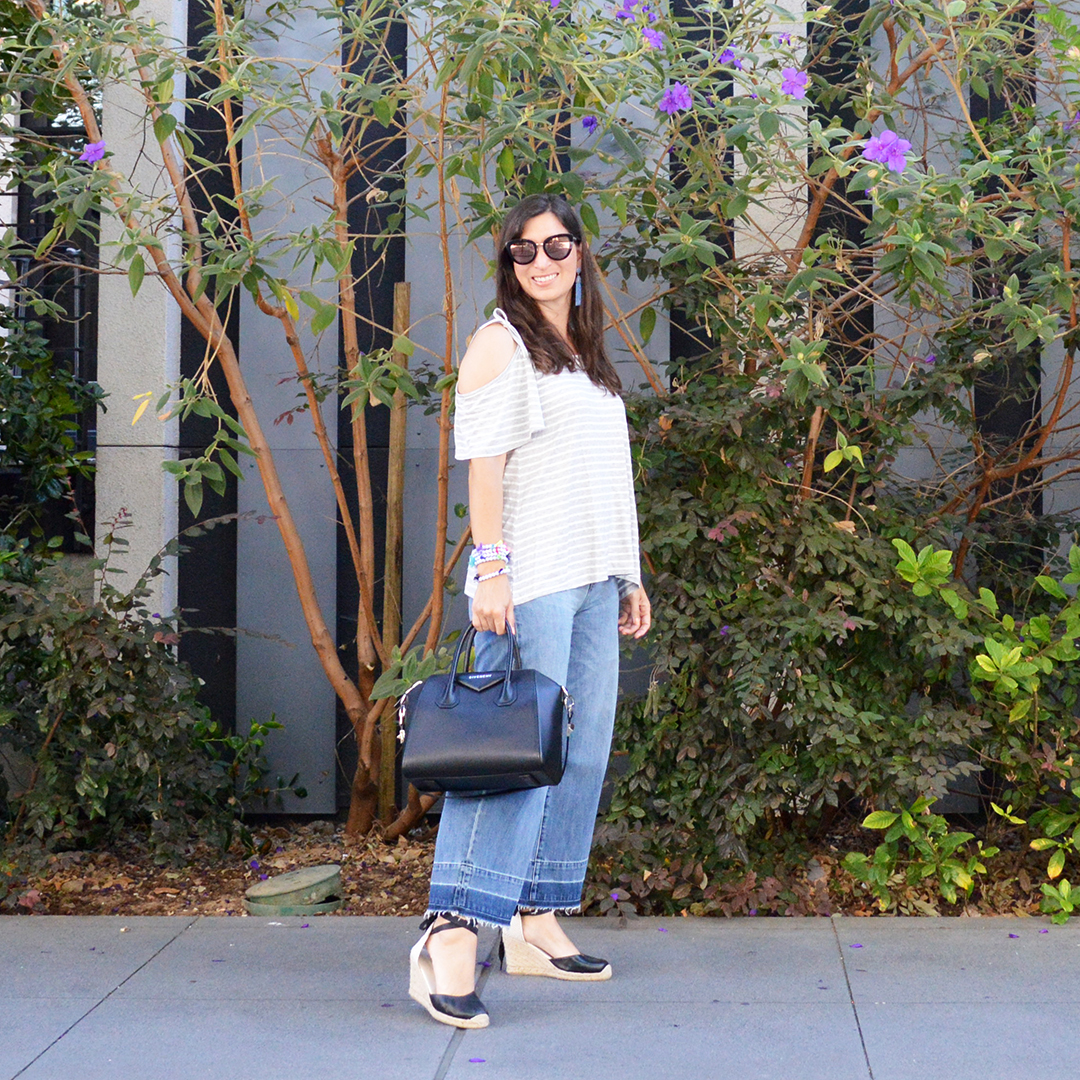
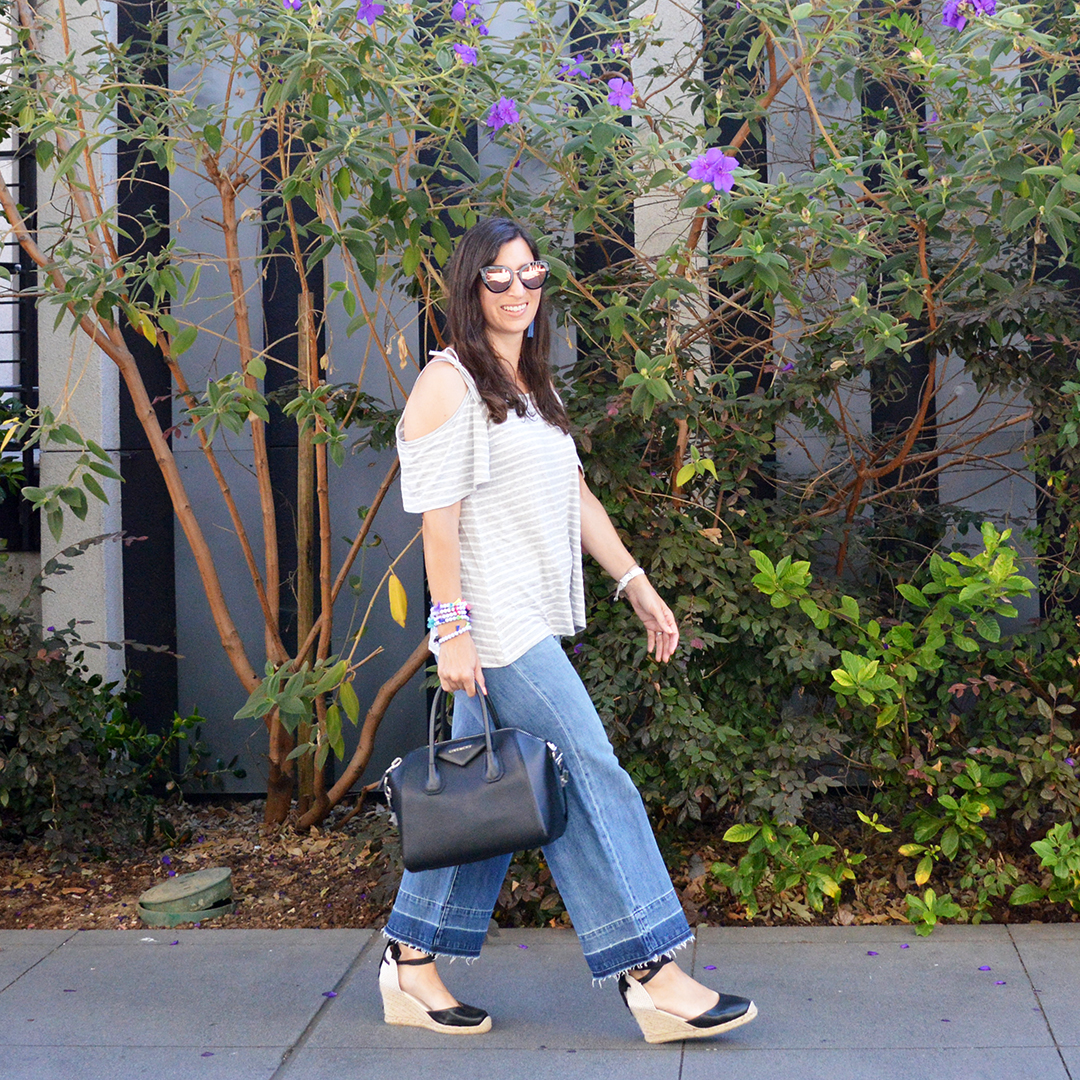
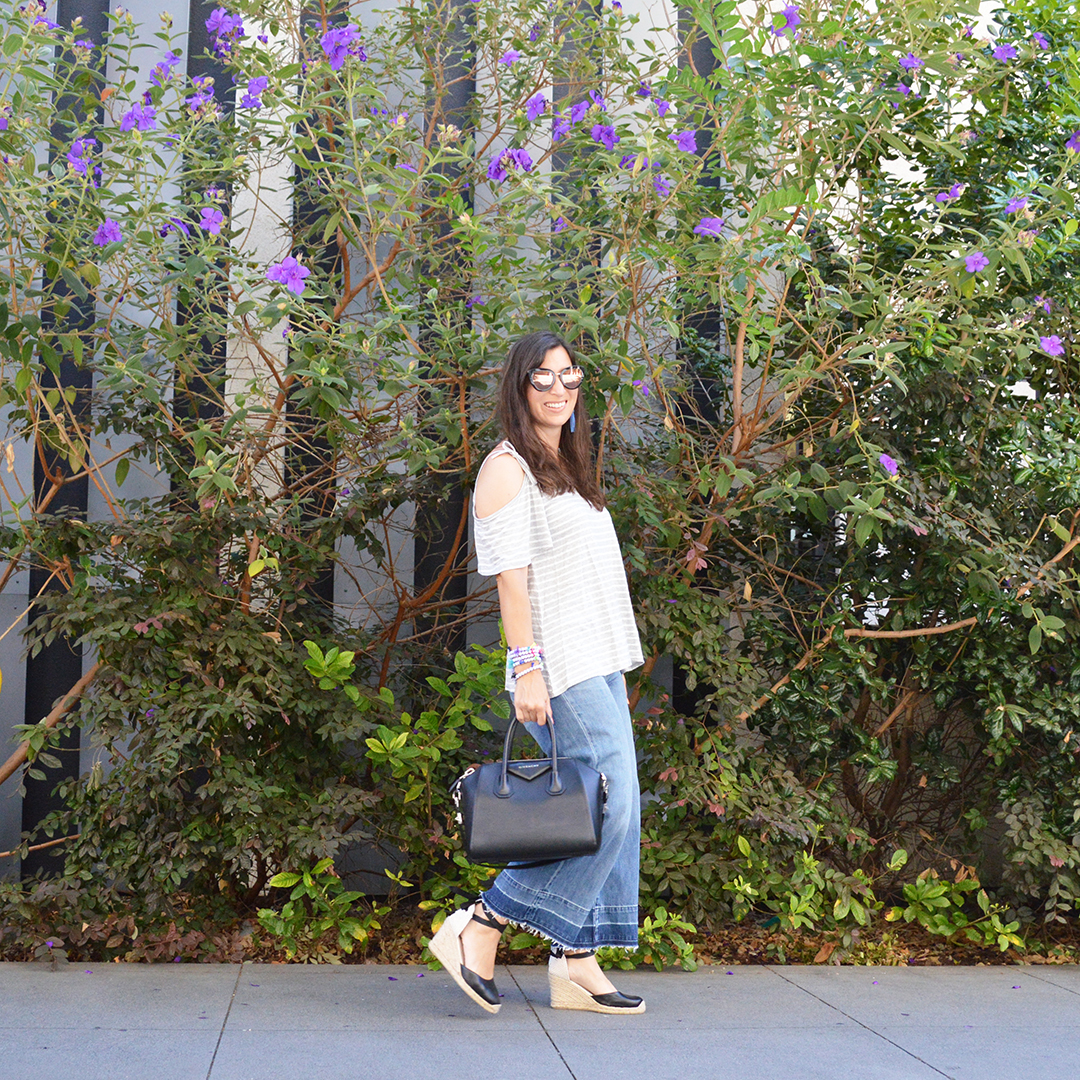
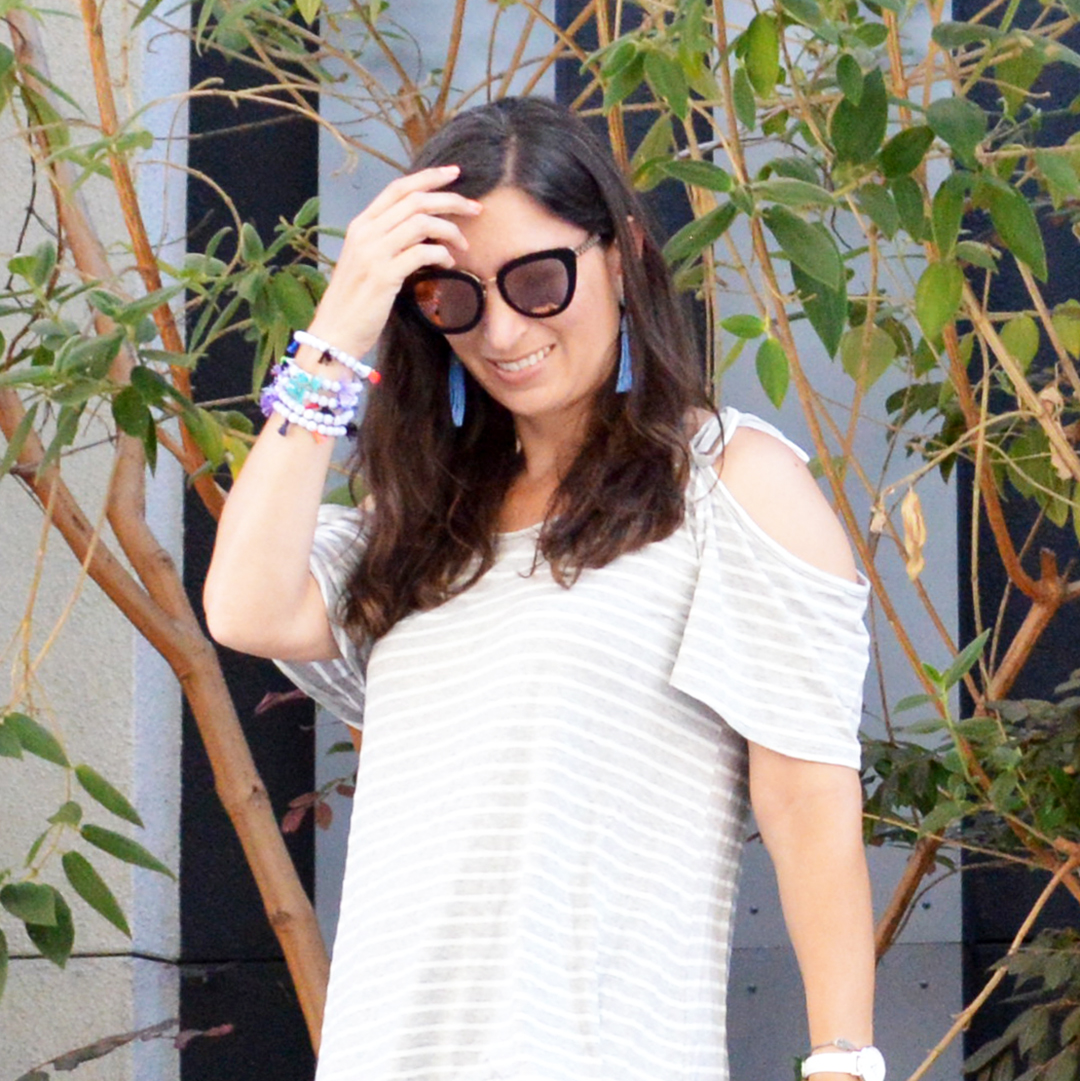
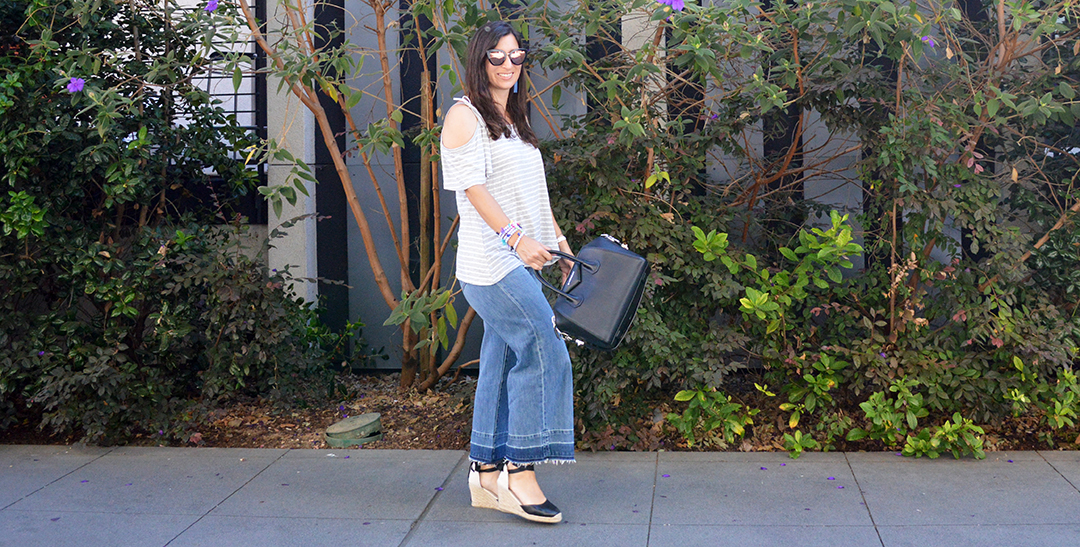
Gingham top and jeans outfit details:
In the black tie optional photo, I am standing with Wardrobe Oxygen under the LIKEtoKNOW.it balloons during the finale party at the recent rewardStyle conference. Check out her blog, she is amazing!
How cute is this picnic! On the first full day of the rewardStyle conference, Banana Republic hosted an “Uptown Chic” picnic at the Shake Shack. It was so much fun to sit outside in an adorable picnic setting in the middle of downtown Dallas!
Banana Republic set up the cutest picnic tables with floral centerpieces in the outdoor eating area of the Shack Shack. There were also cute little Adirondack chairs set up in groups of two for intimate socializing. If I had this much room in my backyard, I would totally throw a picnic like this every weekend. It was so cute and fun!
I have heard of the Shack Shack through Instagram posts which pop up in my feed, but I had never been to one to before. Apparently we are getting one here in the Bay Area very soon! It will be located in Campbell. I cannot wait! Let me just tell you, this was one of the yummiest hamburgers I have ever eaten. The french fries were to-die-for too! I enjoyed a cheeseburger while some of my blogger friends enjoyed the crispy chicken burger. I understand the chicken was equally delicious. Next time I have the opportunity to eat at the Shake Shack, I want to try the chicken! Yum!
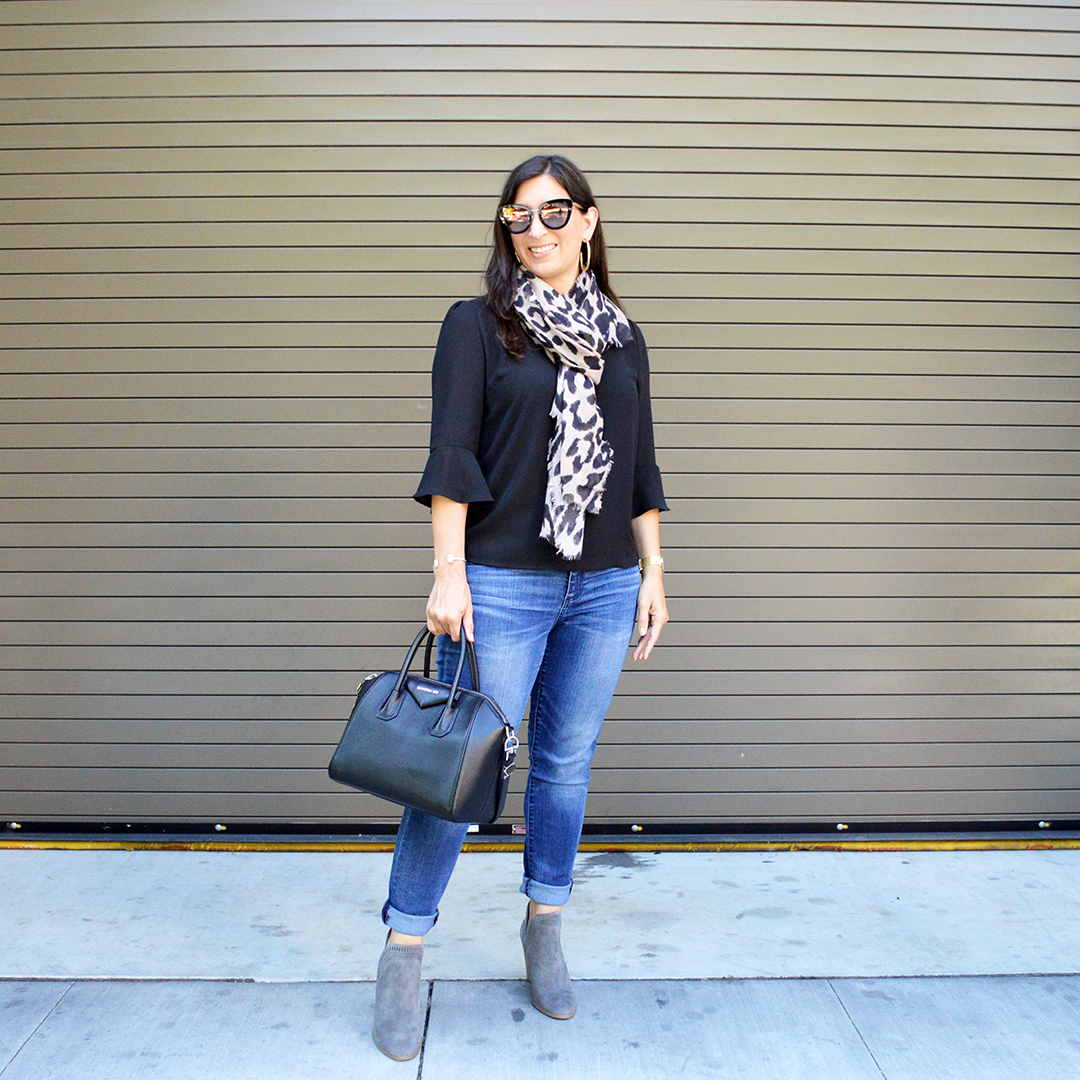
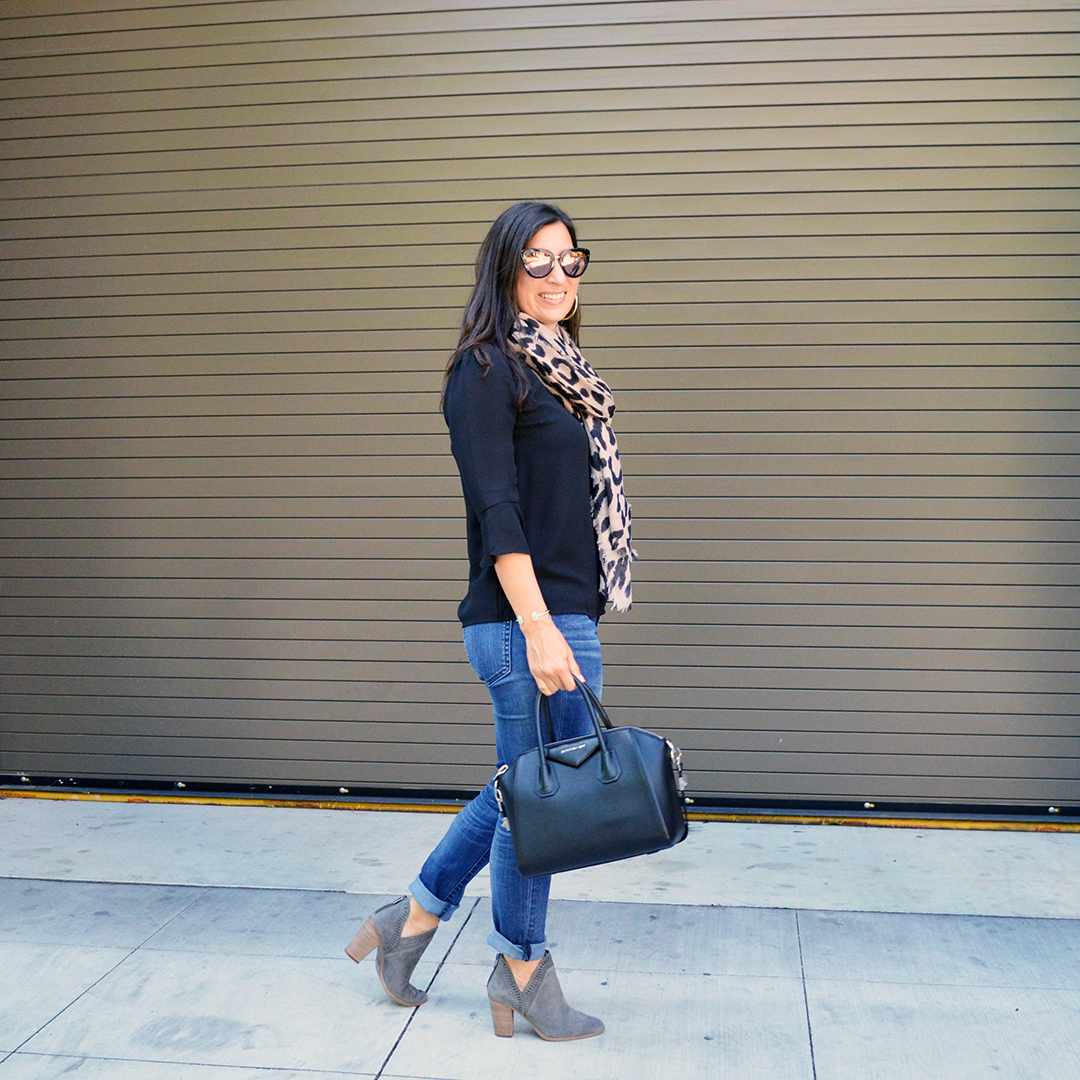
Since I knew ahead of time that Banana Republic would be hosting this event. I planned my outfit accordingly. This skirt and top are from Banana Republic’s current collection and they are so perfect for spring and summer. I know I will get a lot of use out of this skirt for daytime events, and church, this season. In addition, this black flutter sleeve top will also look amazing with jeans, denim shorts, white pants, and more! These are such versatile, staple wardrobe pieces. Love!
Banana Republic was so nice to us! In addition to serving up a beautiful setting and delicious food, we all got to pick out a scarf. I decided to tie mine “Melrose Place” style. I was in a 90’s mood. haha What do you think? Bring back the “Melrose Place” scarf trend? I’m thinking, let’s do it!
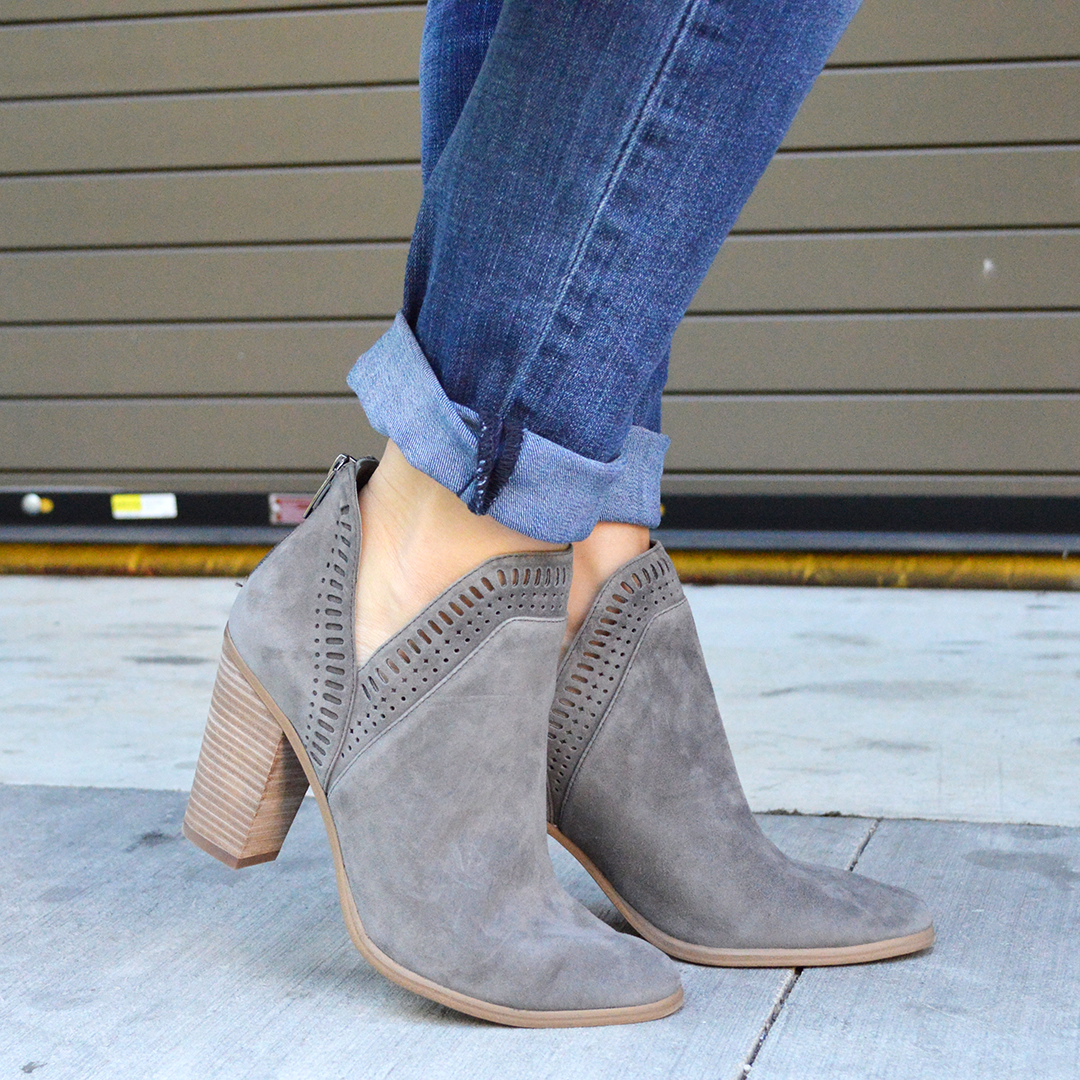
One last thing about this outfit, remember how I mentioned earlier I forgot to pack a few things? Well. . . this outfit was supposed to be worn with black espadrille wedges, but I forgot to pack them. When I returned home, they were on the floor in my bedroom and I tripped over them bringing my suitcase in! haha I think these wedges look OK, but the black pair would have been perfect. Oh well, c’est la vie!
So tell me, have you tried Shake Shack? If so, are you a fan too? Secondly, what do you think of tying a scarf “Melrose Place” style? Yay or nay?
Thanks for stopping by!
XOXO
Cathy
Cookie Notice
We use cookies on our website to help it load faster. By clicking “Accept”, you consent to the use of ALL the cookies.
This website uses cookies to improve your experience while you navigate through the website. Out of these, the cookies that are categorized as necessary are stored on your browser as they are essential for the working of basic functionalities of the website. We also use third-party cookies that help us analyze and understand how you use this website. These cookies will be stored in your browser only with your consent. You also have the option to opt-out of these cookies. But opting out of some of these cookies may affect your browsing experience.
Necessary cookies are absolutely essential for the website to function properly. This category only includes cookies that ensures basic functionalities and security features of the website. These cookies do not store any personal information.
Any cookies that may not be particularly necessary for the website to function and is used specifically to collect user personal data via analytics, ads, other embedded contents are termed as non-necessary cookies. It is mandatory to procure user consent prior to running these cookies on your website.